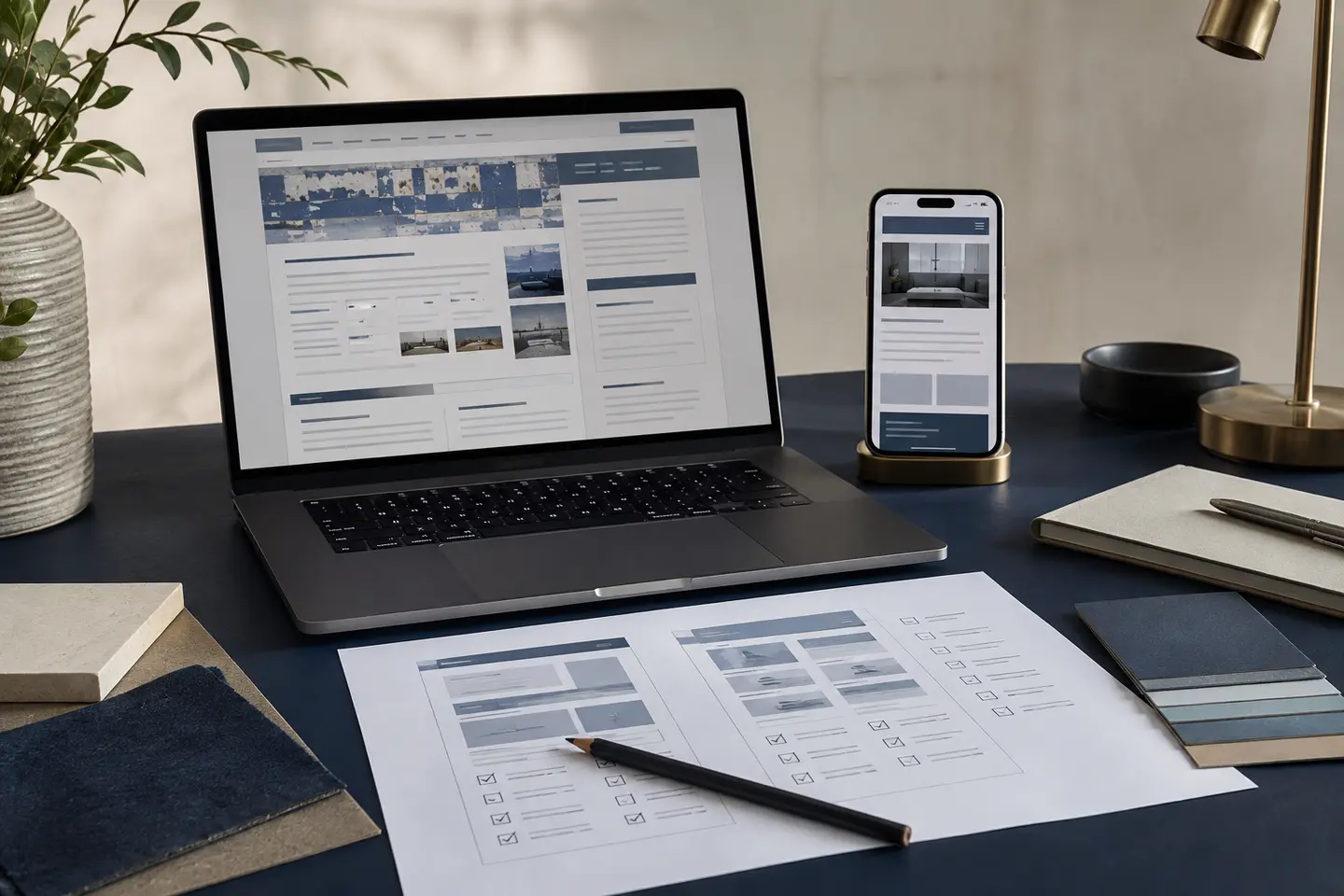
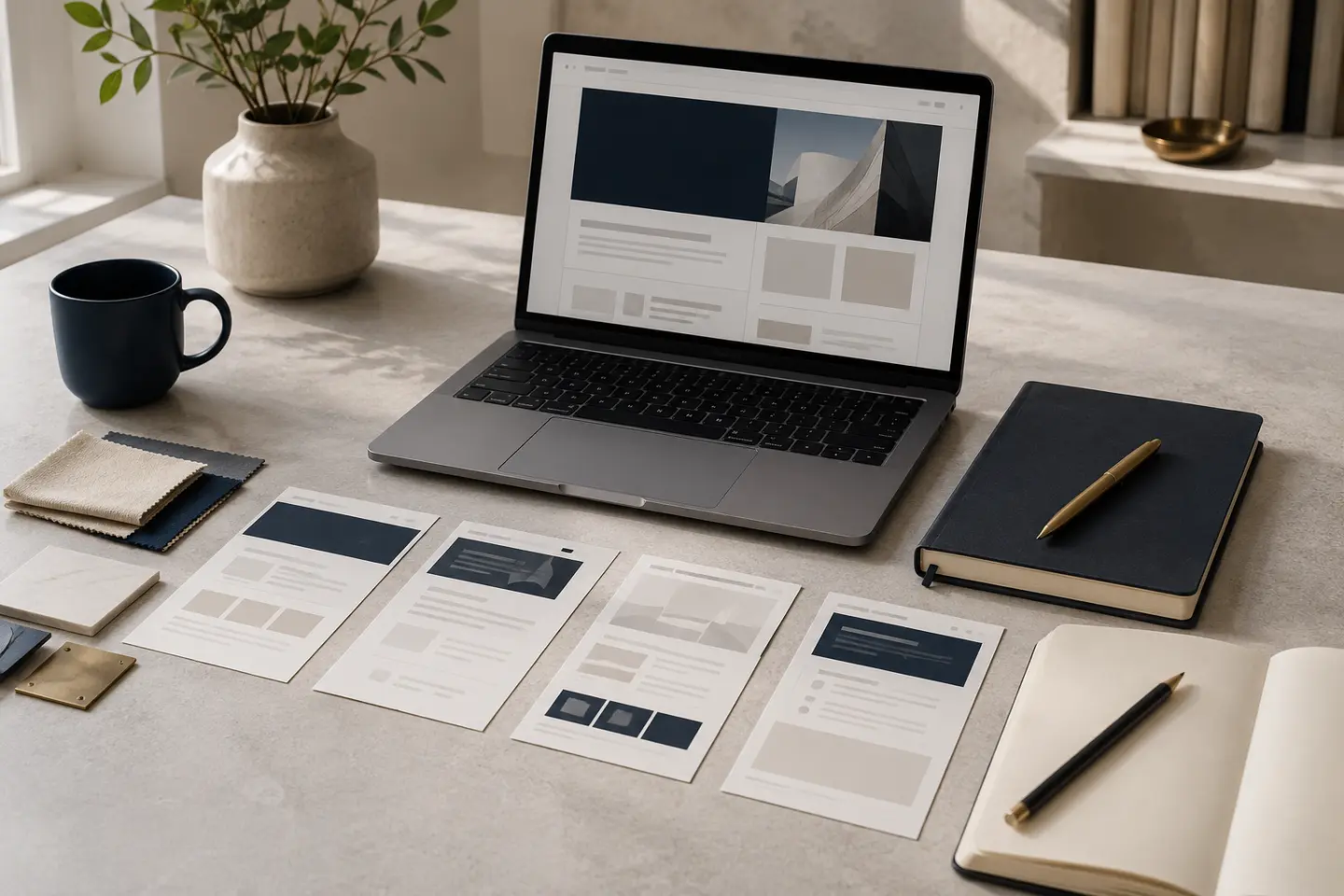
A small business website does not need to be large. It does need to answer the questions people ask before they contact you: what do you do, is it right for me, can I trust you and what happens next?
The mistake is trying to make the homepage do every job. A better website gives each important subject enough space and connects the pages through a simple menu and useful internal links.
For most service businesses, the following page types form a strong starting point.
The six core page types
Homepage
Your homepage is the route into the website, not a full account of the company. It should quickly explain what you provide, who you help and where you work, then direct visitors towards the relevant service, evidence or contact option.
A useful homepage usually includes:
- A plain-English description of the business
- A short summary of the main services
- Evidence such as reviews, project examples or accreditations
- A clear next step, such as requesting a quote or booking a call
Service pages
Each important service should usually have its own page. Someone looking for a website redesign has different questions from someone looking for SEO support, even when the same business provides both.
A strong service page explains the problem, who the service suits, what is included and what the customer should do next. It also gives search engines a clearer subject than one general services page with a few short paragraphs.
Closely related minor services can sit together. Do not create a page for every small variation simply to target another keyword.
About page
The About page should help a potential customer decide whether your business is credible and suitable. Explain who is behind it and what experience shapes the work. Add qualifications, accreditations or values where they influence the buying decision.
Keep the focus on what this means for the customer.
Proof page
People want evidence before they enquire. Depending on the business, this may be called Projects, Case Studies, Our Work, Reviews or Results.
Use real examples with enough detail to be believable. Explain the customer's situation, what you did and the outcome. A new business can begin with work it is permitted to show, verified reviews or professional credentials.
Contact page
The contact page should make getting in touch easy. Include the channels you monitor, your service area, useful response times and a short form that only asks for information needed at this stage.
Set expectations. Tell people whether they are requesting a quote, arranging an initial call or asking a general question. Place a visible link to the privacy notice beside any form that collects personal information.
Privacy, cookie and company information
The ICO says most organisations that hold personal data need a privacy notice. Visitors must also be told about cookies, and non-essential cookies normally require consent.
UK limited companies must display their registered name, company number, registered office address, place of registration and limited-company status on their website. This information often sits in the footer or legal section. Businesses selling online may also need terms, delivery, cancellation and returns information suited to what they sell. Take legal advice where the requirements are unclear.
Useful pages that depend on the business
Add supporting pages when they have a real job:
- An FAQ page when customers repeatedly ask the same questions
- Location pages when you have distinct services, evidence or information for each area
- An Insights section when you can publish genuinely helpful guidance
- A Process page when customers need to understand how the work will run
- A Pricing page when guide prices or packages help people qualify themselves
- Team, Careers or Partner pages when recruitment or partnerships are part of the growth plan
Location pages need particular care. Changing only the town name across several near-identical pages is not useful. Google identifies substantially similar regional pages that funnel visitors elsewhere as doorway abuse. Create an area page only when it contains relevant local information and stands on its own.
A sensible starting structure
A small service business might launch with:
- Home
- Services overview
- One page for each main service
- About
- Projects or case studies
- FAQs
- Insights
- Contact
- Privacy and cookie information
The exact number matters less than whether every important service and customer question has a clear home. Google recommends a logical structure, descriptive URLs and useful internal links.
Website page checklist
Before approving the structure, check that:
- Every page has one main purpose
- Important services have enough detail to answer buying questions
- The menu uses language customers will recognise
- Each page offers a sensible next step
- Claims are supported by real evidence
- Contact details are consistent and easy to find
- Privacy and company information are accessible
- Useful pages link to each other naturally
- No page exists only to repeat keywords or place names
- The structure can grow without becoming confusing
The practical answer
Most small businesses need fewer pages than they imagine, but more depth than a one-page brochure provides. Start with the pages customers need to understand the offer, judge the business and make contact. Add pages when they support a real decision, distinct service or useful search topic.
Research sources and technical note
This article draws on current guidance from Google, GOV.UK and the Information Commissioner's Office. It provides a practical planning framework and is not legal advice.